MySub
See what subscriptions really cost

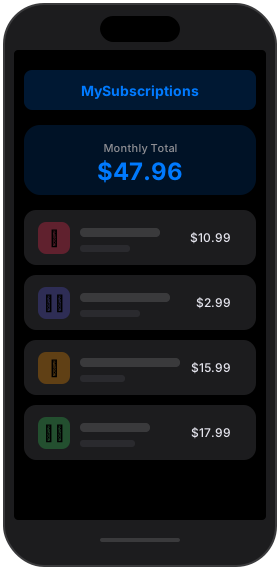
Subscription costs compound quietly. MySub makes that number impossible to ignore.
Most of us underestimate what we spend each month by two or three times over. The small charges are the ones that hide — five dollars here, thirteen there — and the real total never shows up anywhere. MySub has one job: put that number in front of you, and keep it there.
See the real number
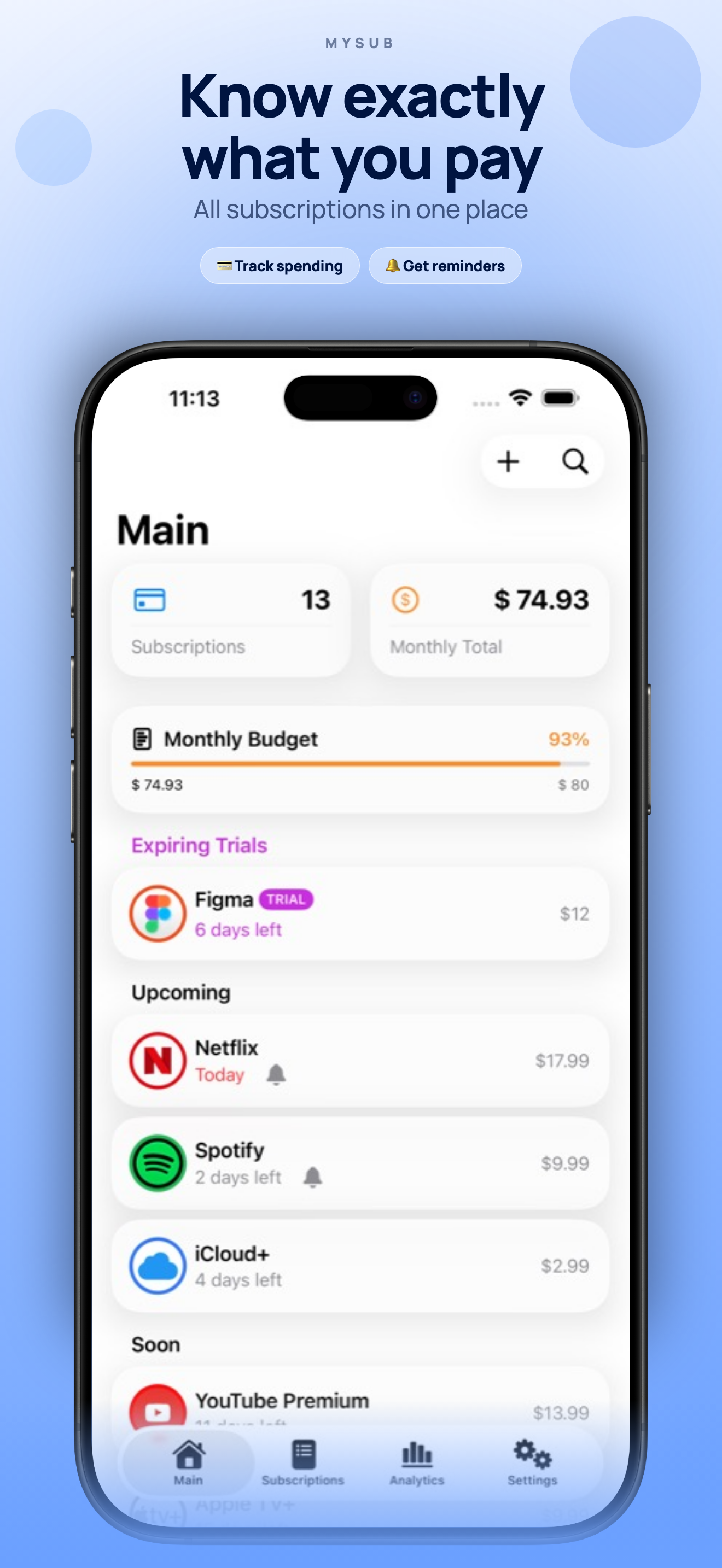
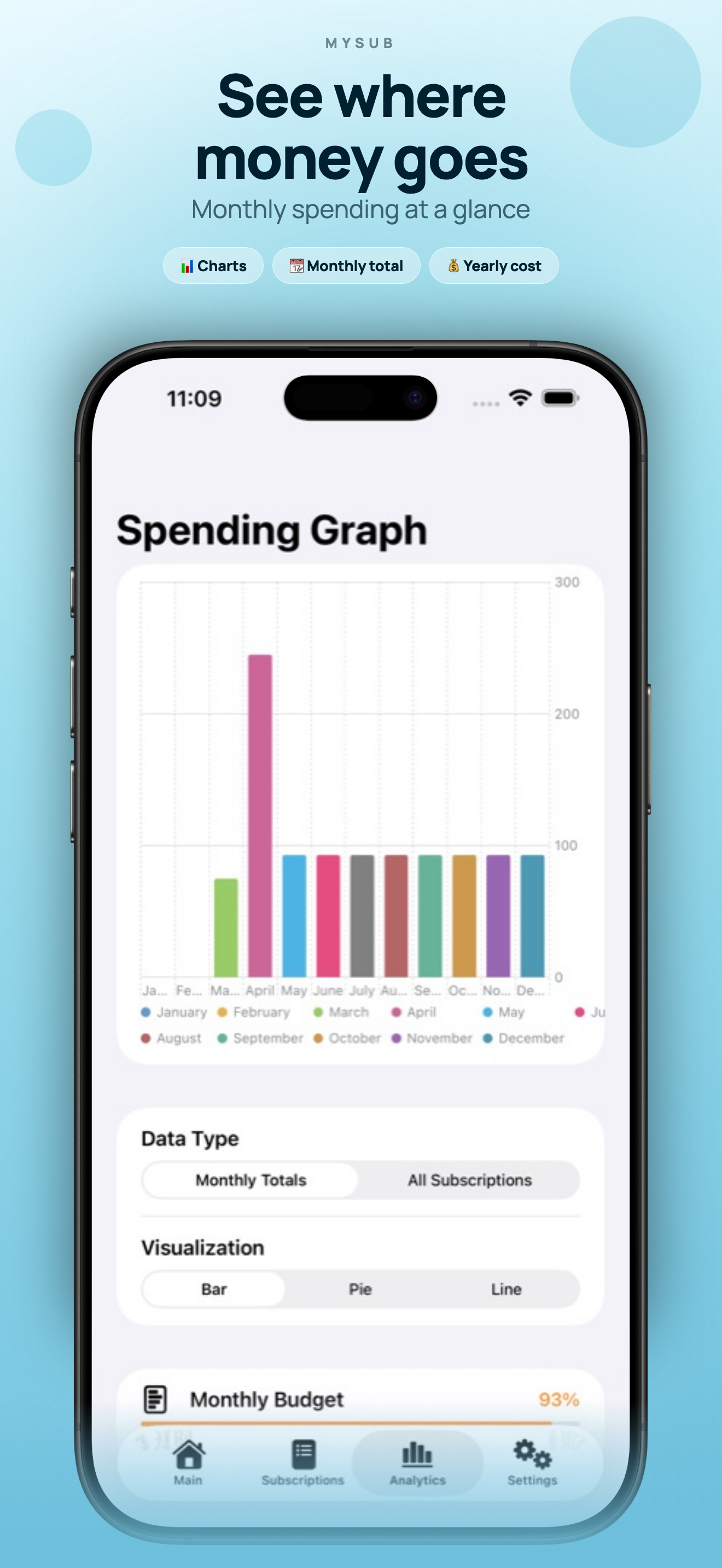
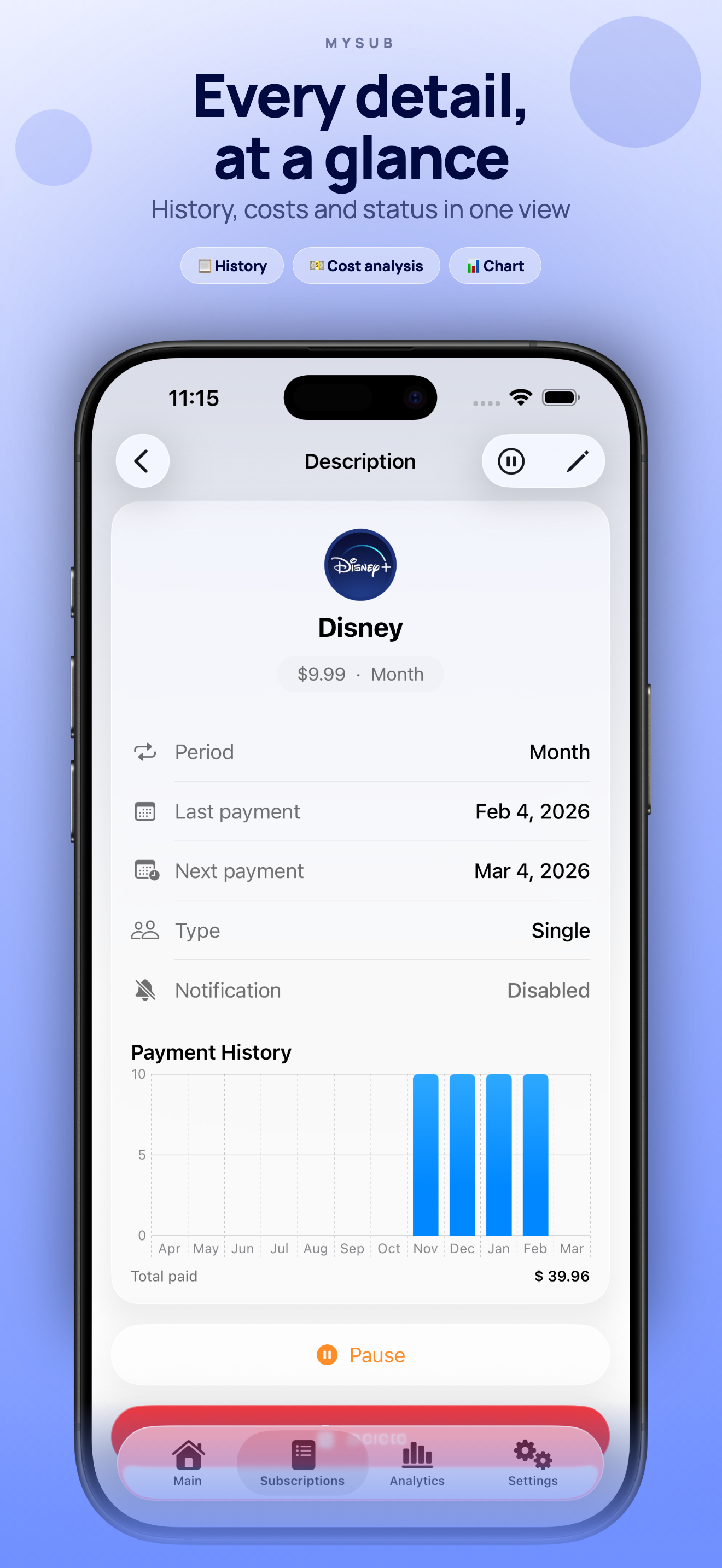
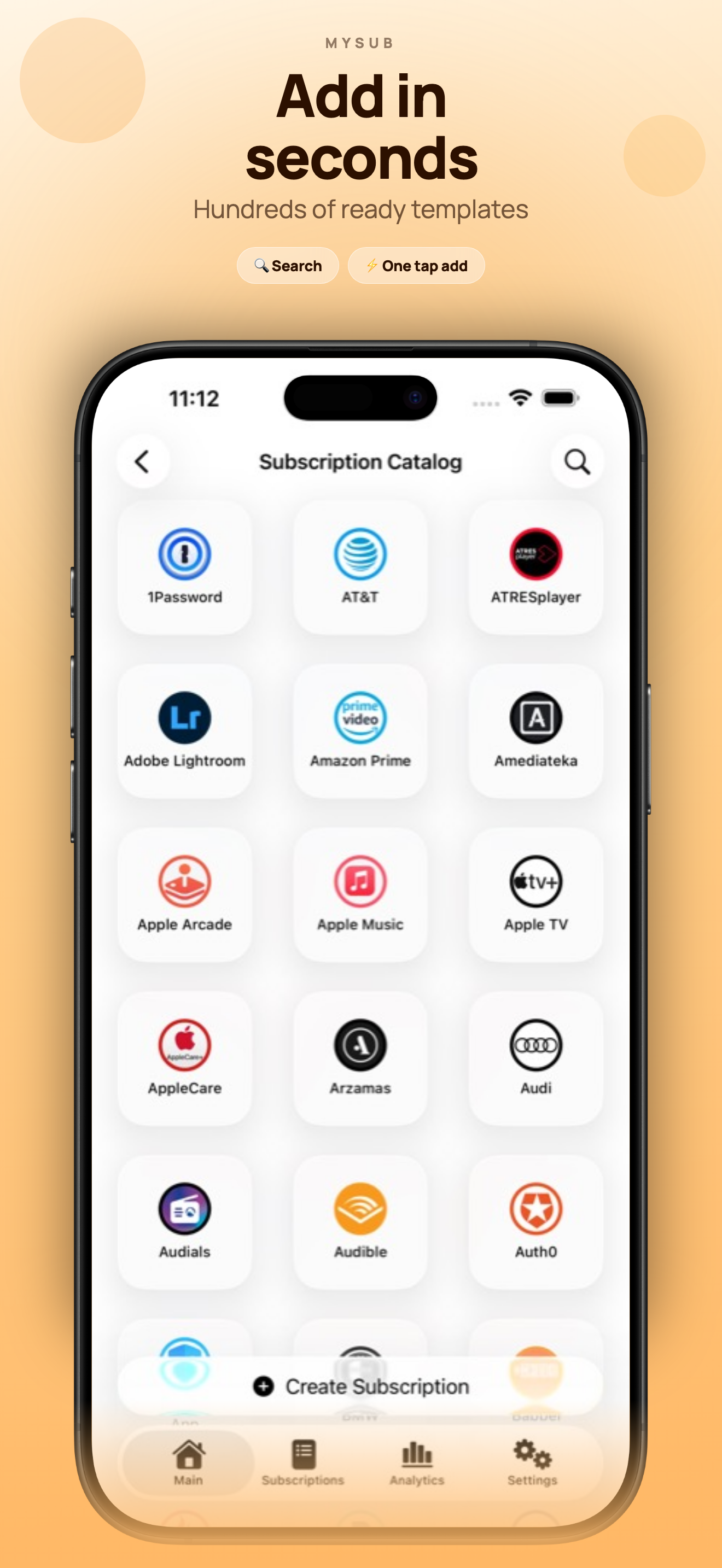
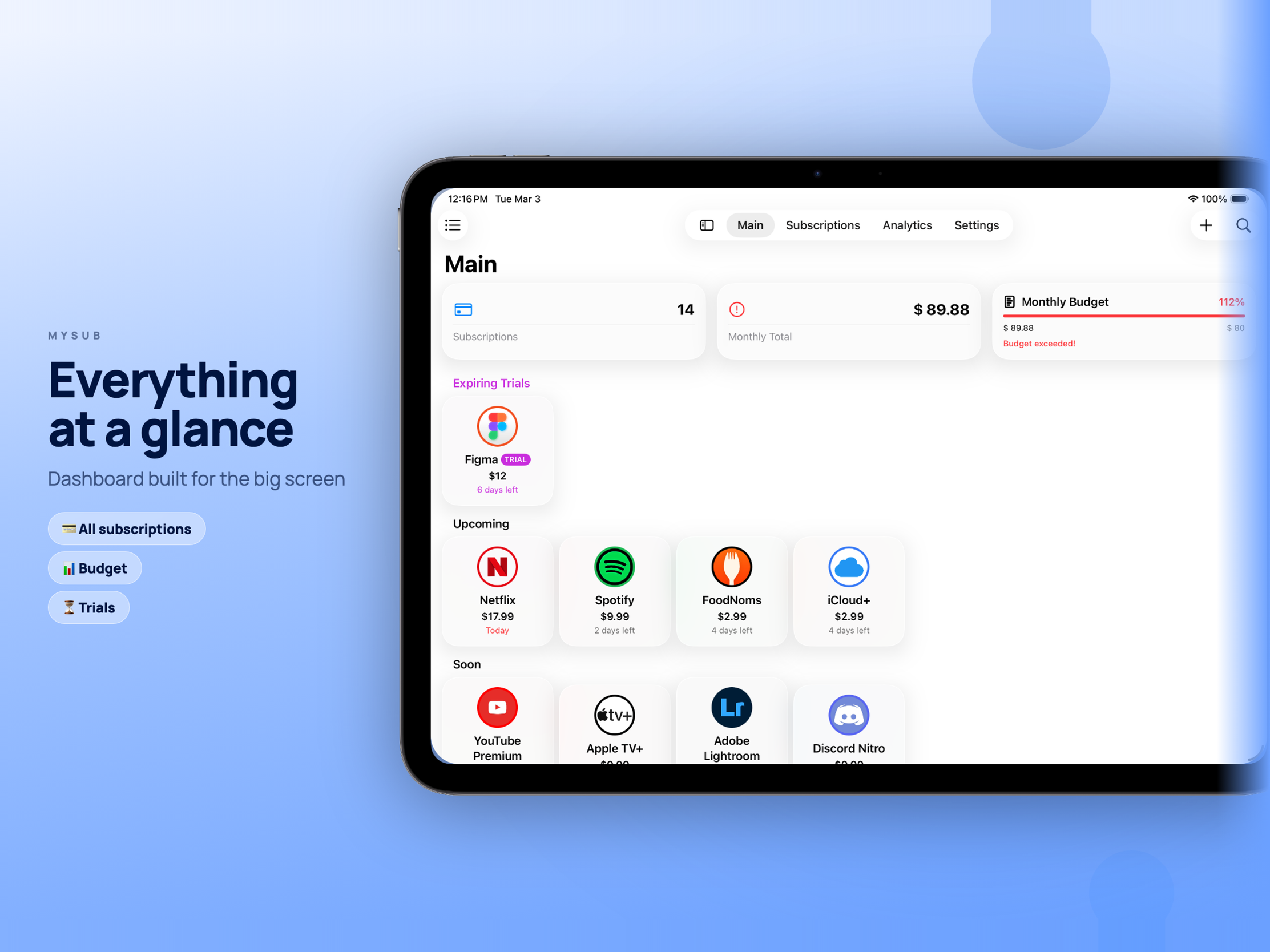
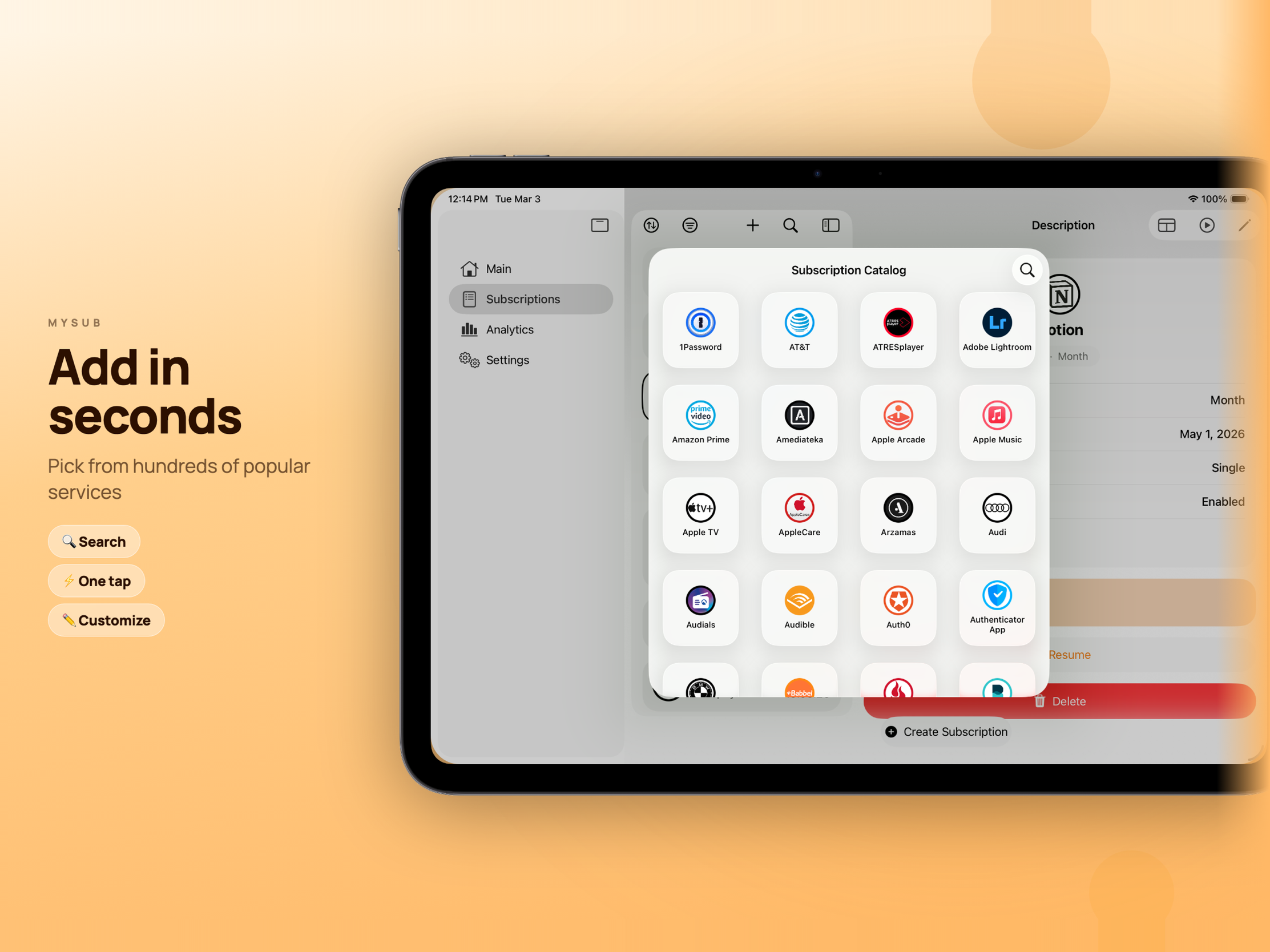
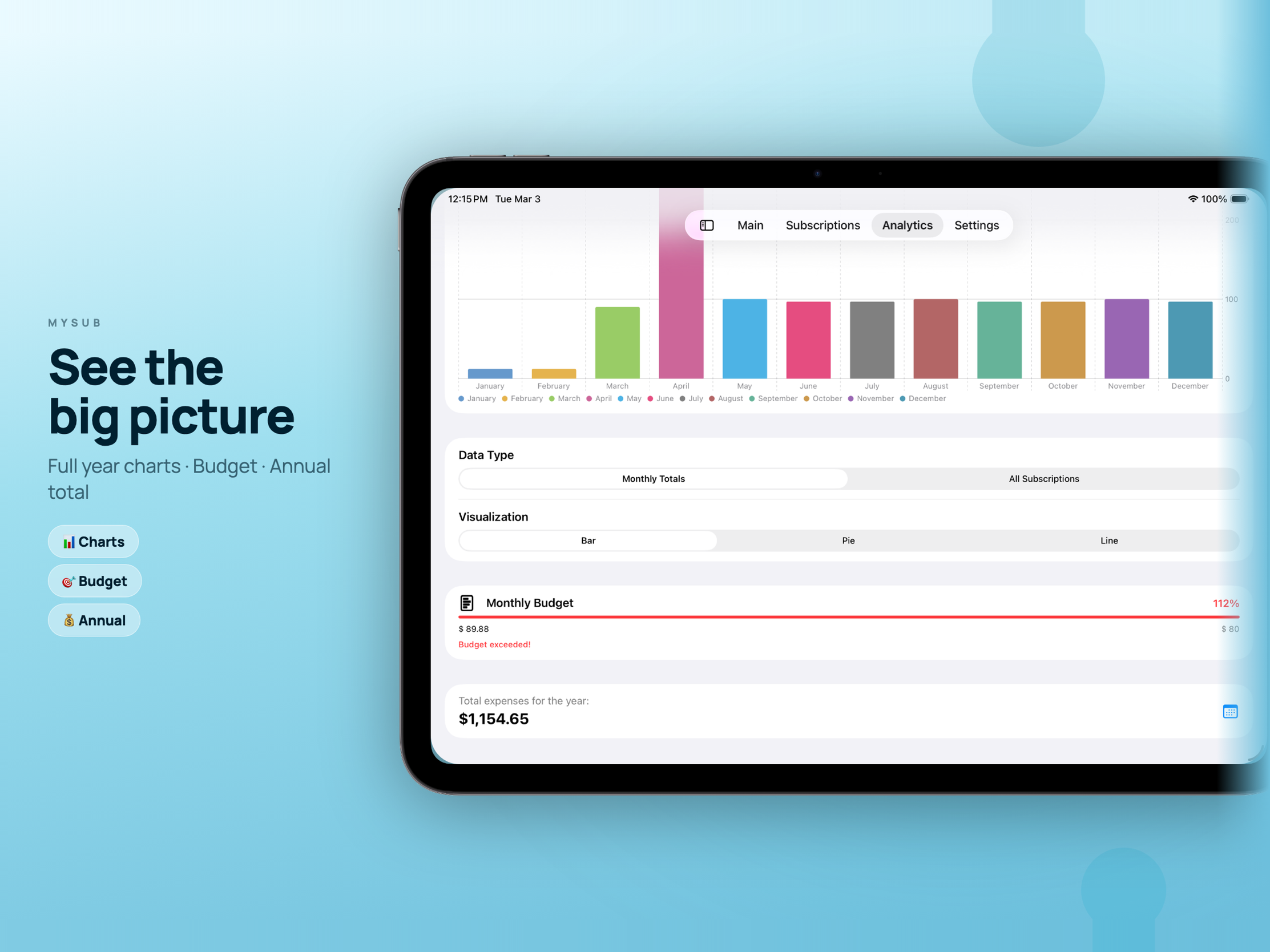
Add a subscription by hand, or pull it from a library of ready-made templates — Netflix, Spotify, Adobe, iCloud+, YouTube and plenty more. A live budget bar on the main screen shows how much of your limit is already gone, and the charts break spending down by service, by month, and across the whole year.
Ambient on every device
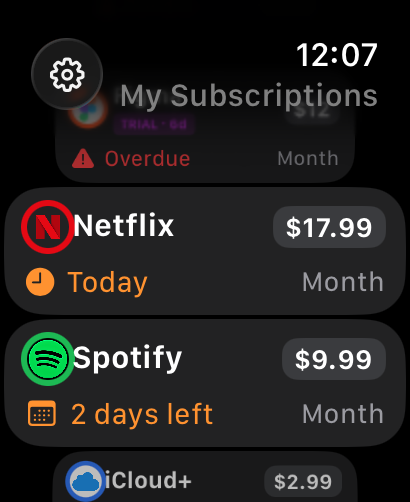
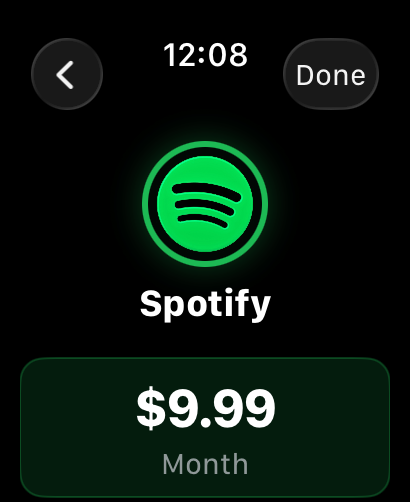
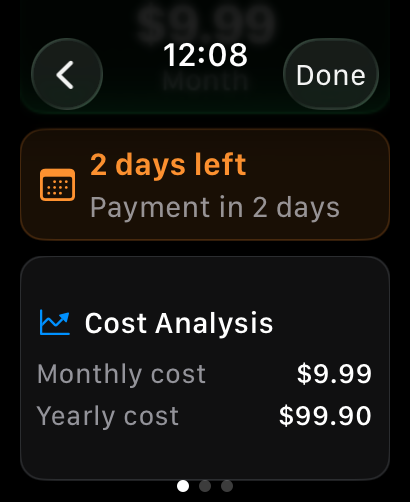
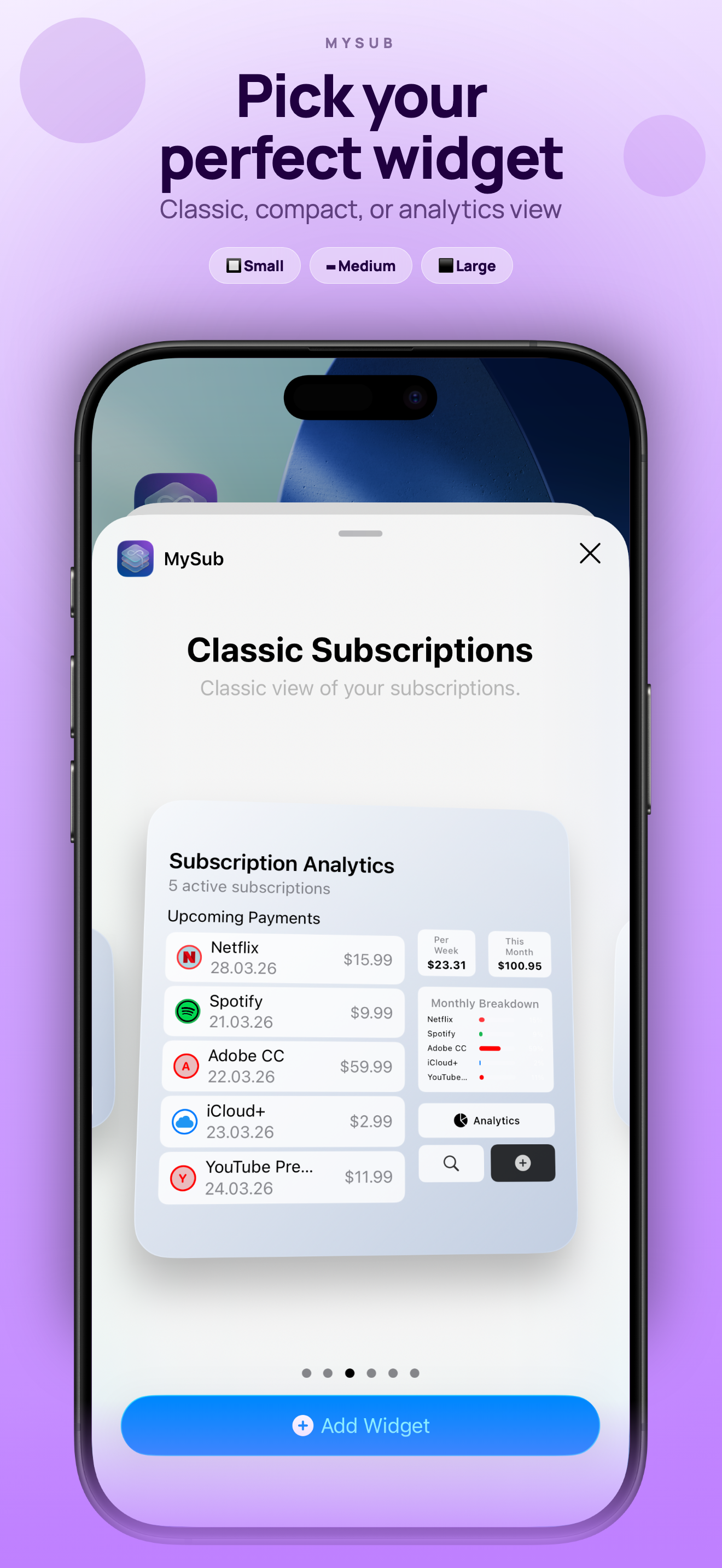
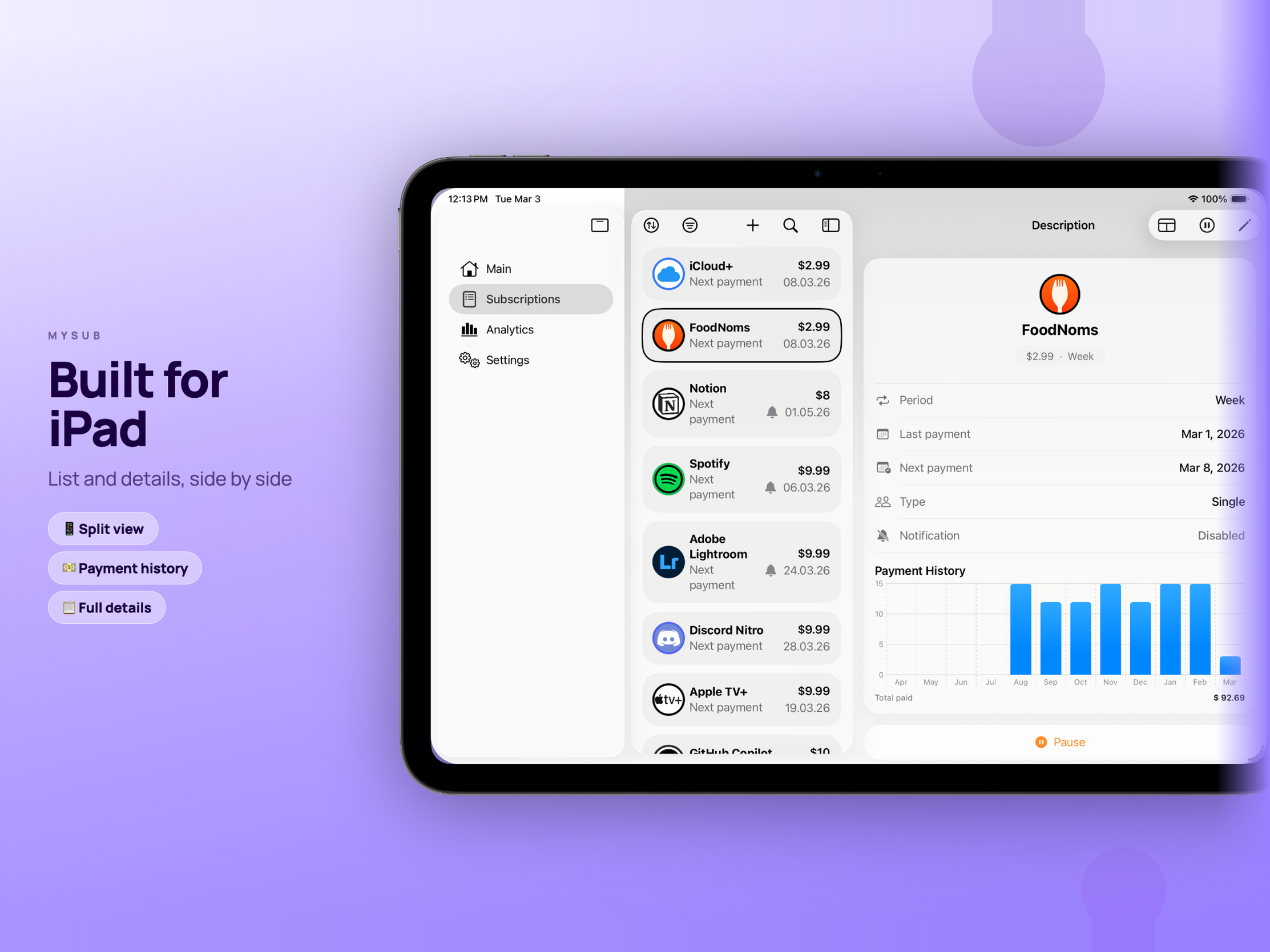
This is where MySub earns its place: it follows you across the Apple ecosystem. iPhone and iPad — with native Split View, multiple windows and full keyboard support — Apple Watch, Mac, and Apple Vision Pro, plus Home Screen and Lock Screen widgets, all kept in sync over iCloud. Your spending becomes something you glance at, not something you go hunting for.
The small things that matter
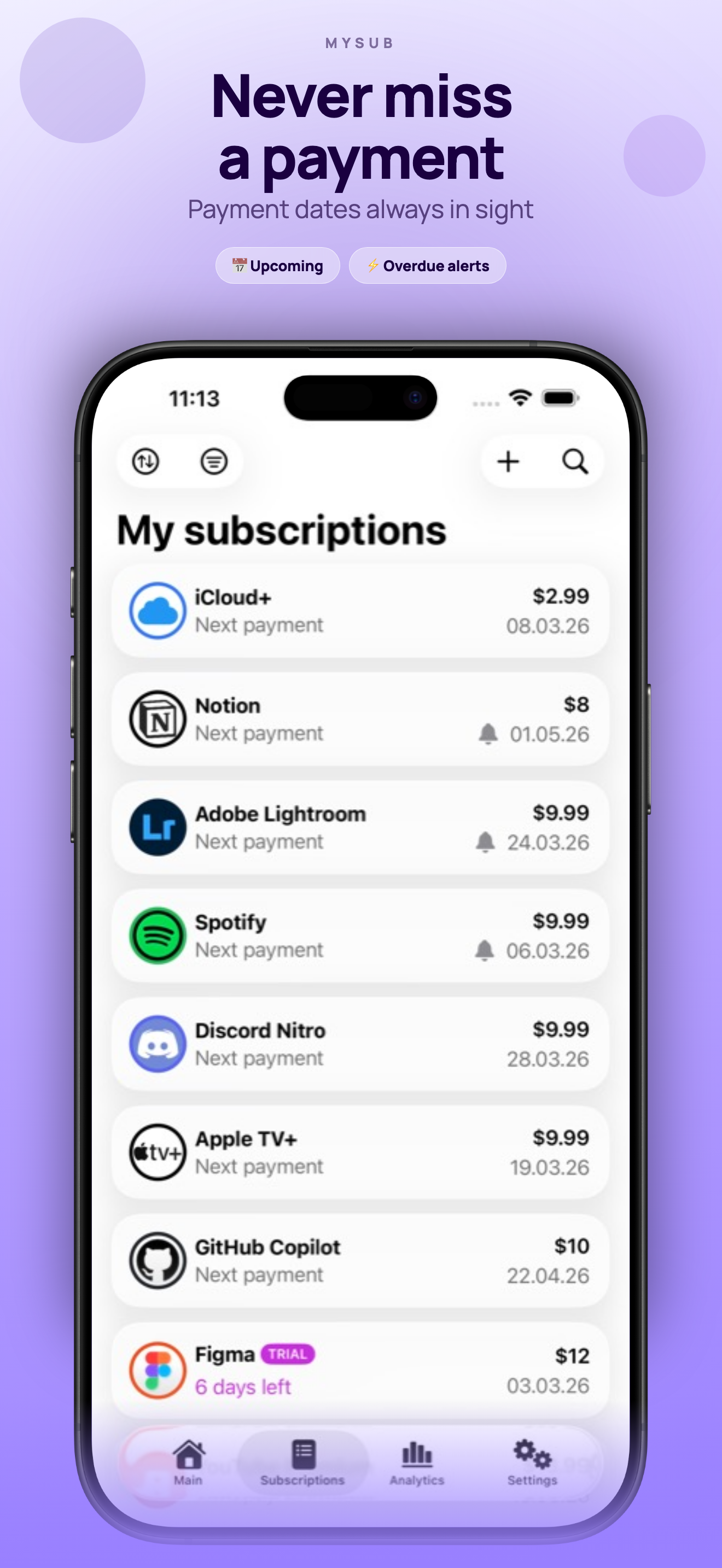
- Reminders, early — a heads-up days before each renewal, never the morning-after surprise
- Trials that don’t bite — track a free trial and get nudged before it quietly turns into a charge
- Pause, don’t delete — put a subscription on hold and it drops out of the total; bring it back with one tap
Available on iPhone, iPad, Apple Watch, Mac (Apple Silicon), and Apple Vision Pro.
Screenshots
Screenshots
iPad
Screenshots
Apple Watch